
How to Use Claude Chrome Extension to QA Anything in Your Browser
Written By: Shane Clark on March 18, 2026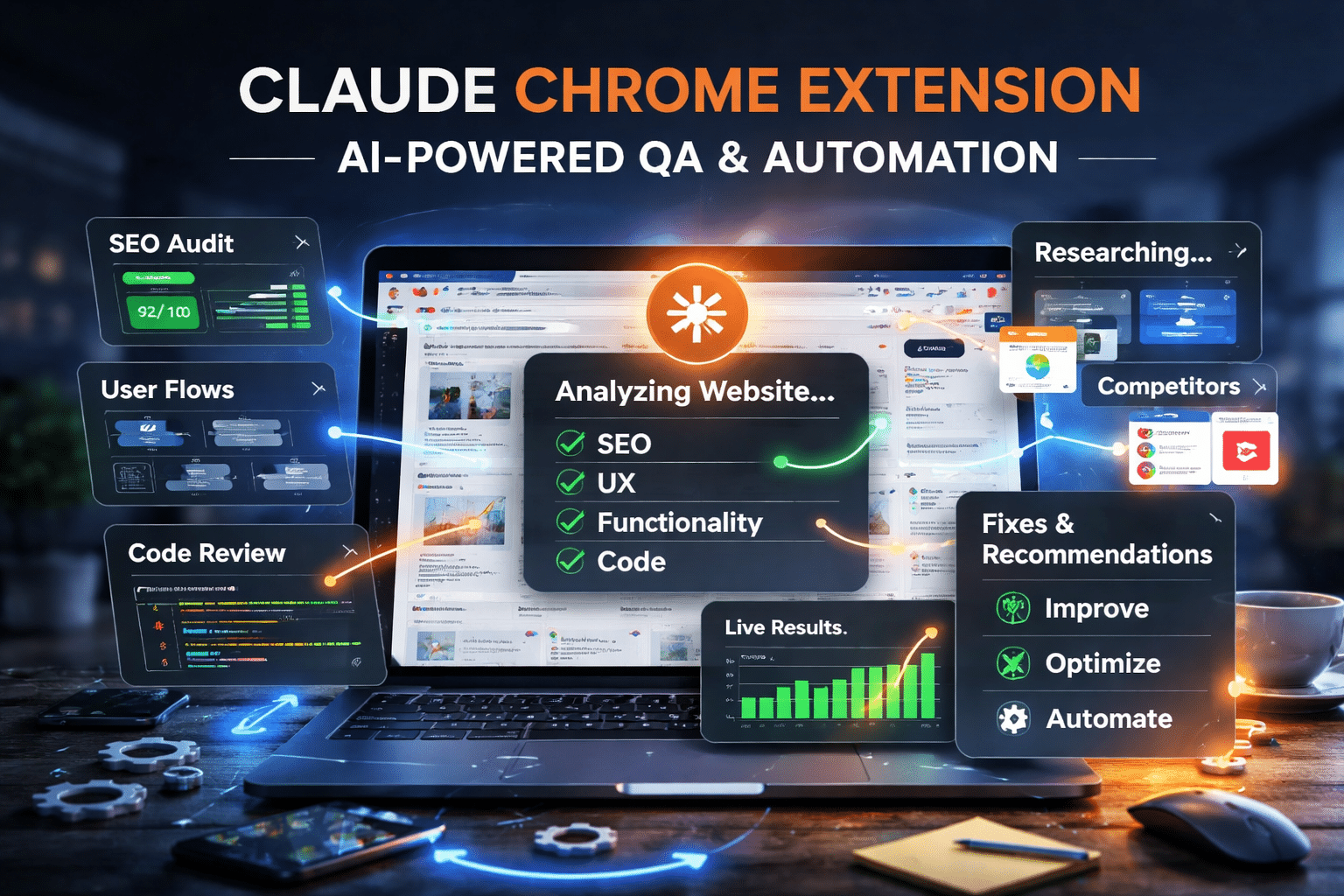
What is Claude Chrome Extension QA?
Claude Chrome Extension QA means using Claude right inside your browser to test a live page. I have it read the code, check SEO, and walk user flows while I watch. It finds broken links, layout issues, and gaps I would normally miss, and it does this without me leaving the page.
The internet used to be something you just look at. You scroll through pages, click around, and make notes. Then you switch tools later to fix things. That gap slows everything down and breaks your workflow.
With the Claude Chrome Extension, you can work directly with what is on your screen. You can review, test, and analyze without leaving the page. The AI still needs a moment to respond, but you stay in the same place and keep moving forward.
A webpage becomes something you can QA while you are viewing it. You can check SEO, messaging, and layout in real time. Code becomes easier to review because you can walk through it step by step. User flows become easier to test because you can simulate real actions.
Anything you can see becomes something you can work through with AI. In this guide, I will show you how to use Claude in your browser to QA websites, review code, and build a simple workflow you can use every day.
How to Use Claude Chrome Extension QA to Analyze Anything in Your Browser
The core idea behind using Claude for QA is simple. If you can see it, you can analyze it. That includes webpages, dashboards, tools, and even internal systems. You no longer need to copy content into another tool. You can stay on the page and run a structured QA process from start to finish.
Start by opening the page you want to review. Then prompt Claude with a clear objective. Ask it to act as a QA tester and evaluate what is on the screen. You can guide it to look for specific issues such as usability problems, unclear messaging, or missing elements. The more specific your prompt is, the better the output will be.
This approach works because you are not guessing. You are working with the exact version of what the user sees. That makes feedback more accurate and easier to apply. Over time, you can refine your prompts and build a repeatable QA process that you can use across different projects.
Claude Chrome Extension QA for Websites SEO and User Experience
Websites are one of the easiest places to apply this workflow. You can review SEO, content structure, and user experience without leaving the page. Instead of running separate audits, you can combine everything into one guided review.
You can ask Claude to identify missing headings, weak keyword usage, or unclear page structure. You can also evaluate calls to action, content flow, and readability. This helps you catch both technical and messaging issues in one pass.
User experience becomes easier to understand when you look at it from a visitor’s perspective. You can prompt Claude to act like a first-time user and describe confusion points. This often reveals issues that are easy to miss when you are too familiar with the site.
This type of QA is not about replacing full audits. It is about speeding up your review process and catching issues earlier. It works especially well for ongoing maintenance and quick improvements.
Using AI to Test Functionality and User Flows in Real Time
Functional QA becomes much easier when you can test flows while you are inside them. Instead of documenting steps and reviewing later, you can move through a process and evaluate each step as it happens.
You can guide Claude to follow a specific goal, such as submitting a form or completing a checkout process. Then ask it to identify friction points, missing feedback, or unclear instructions. This helps you understand where users might get stuck.
You can also test edge cases by changing inputs or scenarios. This allows you to explore different outcomes without building complex test cases. It keeps the process flexible and fast.
This approach works well for both simple and complex workflows. It helps you catch issues early and improve the overall user journey without slowing down development.
Reviewing Code and Logic Directly in the Browser with AI
Code review becomes more efficient when you can evaluate it in context. Instead of switching between tools, you can review code while it is connected to the live output. This makes it easier to understand how everything works together.
You can paste snippets or highlight sections and ask Claude to review them. Focus on logic, performance, and potential issues. You can also ask for improvements or alternative approaches.
This works well for front-end code, scripts, and even small backend logic that appears in your workflow. It allows you to move quickly without skipping important checks.
By combining code review with visual QA, you create a more complete process. You are not just checking how something looks. You are also verifying how it works.
Using Claude Outputs Across Code Chat and CoWork Inside Your Browser
One of the biggest advantages of this workflow is how easily you can move between different Claude tools and bring everything into your browser. You are not limited to just what the extension sees. You can take output from Claude Code, general chat, or CoWork sessions and apply it directly to what is on your screen.
For example, you might generate code in Claude Code, then open your site and review how it behaves using the extension. You can test logic, identify issues, and refine the output without leaving the page. This keeps your development and QA process tightly connected.
The same applies to general chat. You can create structured QA prompts, SEO audits, or content improvements, then bring those directly into the browser and run them against a live page. Instead of starting from scratch each time, you build on previous work and improve consistency.
With CoWork, you can collaborate on ideas, workflows, or systems, then immediately test those ideas in a real environment. This is especially useful for automation, dashboards, and client projects where you need to validate how things perform in practice.
By combining these tools, you create a loop. You generate ideas or code in one place, then test and refine them in another. This reduces friction, improves accuracy, and helps you move faster without losing quality.
Building a Repeatable Claude Chrome Extension QA Workflow for Daily Use
To get the most value out of this approach, you need a repeatable system. Running random prompts will help, but a structured process will save more time and produce better results. This is where Claude Chrome Extension QA becomes part of your daily workflow instead of a one-off tool.
Start by defining a few core QA prompts you use every time. For example, one for SEO review, one for user experience, and one for functionality. Keep them simple and reusable. Then apply those prompts to every page, feature, or project you work on.
Over time, you can refine your Claude Chrome Extension QA process by adjusting prompts based on results. You will notice patterns in the issues it finds. You can then improve your inputs to get more targeted feedback. This creates consistency across projects and makes your QA process more reliable.
This workflow works well for client work, internal projects, and ongoing maintenance. It helps you move faster while still maintaining quality. Instead of starting from scratch each time, you follow a system that improves with use.
Turning AI QA Into a Scalable Automation System
Once you have a repeatable process, the next step is scaling it. You can start applying the same QA workflow across multiple pages, sites, or tools. This is where AI-driven QA becomes part of a larger automation system.
You can document your prompts, standardize your checks, and use them across different environments. This makes it easier to train team members or apply the same process to client projects. It also helps ensure that nothing gets missed as you scale.
You can also combine QA with other automation workflows. For example, you can pair QA reviews with SEO audits, reporting systems, or chatbot testing. This creates a more complete system where analysis and improvement happen together.
At this stage, QA is no longer just a task. It becomes part of how you build, test, and improve everything. By integrating AI into your workflow, you create a system that grows with your business and adapts to new challenges.
Experiencing Live Autonomous QA With Claude Chrome Extension
This is where things start to feel different from a normal AI workflow. You are not just asking questions and waiting for answers. You are working alongside an AI that can actively move through the browser and gather what it needs.
With Claude Chrome Extension QA, the experience feels live and hands-on. The AI does not stay limited to a single page. When it needs more context, it can open new tabs, check other pages, and pull in additional information. It moves through the browser the same way you would, but faster and with a clear objective.
That changes how QA works.
Instead of manually checking multiple pages or comparing sites yourself, you can give a goal and let the AI work through it. It can review a page, look at related pages, and even reference other sites to validate what it finds. This makes the output more complete because it is not based on a single snapshot.
You are still in control of the process, but you are no longer doing every step yourself. You can guide the direction, refine the prompts, and adjust what you want it to focus on. The AI handles the exploration and data gathering in the background.
This creates a more dynamic workflow. QA becomes less about running a checklist and more about directing an active system. You are not just reviewing what is in front of you. You are working with an AI that can navigate, compare, and analyze across anything you can load in Chrome.
Final Thoughts on Using Claude Chrome Extension for QA and Automation
Once you start using this workflow, QA stops feeling like a separate task and becomes part of how you work every day. You are no longer switching between tools or trying to remember what to fix later. You can review, test, and improve things while they are right in front of you.
With Claude Chrome Extension QA, you can analyze websites, test functionality, review code, and even explore other pages without breaking your flow. The ability to interact with what you see, and let the AI gather additional context when needed, creates a much more efficient process.
This approach works across everything. You can use it for SEO reviews, website improvements, development checks, and even larger automation systems. It helps you move faster, catch issues earlier, and maintain a higher level of quality without adding extra steps.
If you want help implementing this into your business, that is exactly what I do at Shane Web Guy. I offer web development, SEO, and AI business automation services designed to streamline workflows and improve performance. Whether you need a new website, better search visibility, or a custom AI automation system, I can help you build a setup that actually works and scales with your business.
Want help with the kind of web platforms or SEO programs covered here? I’m Shane Clark, the operator at ShaneWebGuy. 21 years building US web platforms and running internet marketing systems. If you want a second pair of eyes on what’s breaking, send me a note or call (408) 915-5077. US clients only.
Claude Chrome Extension QA Frequently Asked Questions
Can Claude Chrome Extension QA replace traditional QA testing
It does not fully replace traditional QA, but it speeds up the process. It helps you catch issues early and improve workflows before deeper testing is needed.
How do you use Claude Chrome Extension QA for website testing
You open a webpage and prompt Claude to review it. You can ask for SEO issues, UX problems, or content improvements. The AI analyzes what is visible and provides structured feedback.
Can Claude Chrome Extension QA review code
Yes, you can review code directly in the browser. You can highlight code or paste snippets and ask Claude to check for bugs, performance issues, and improvements.
Is Claude Chrome Extension QA useful for SEO audits
Yes, it can quickly identify missing headings, weak keyword usage, and content structure issues. It works well for fast SEO reviews and ongoing optimization.
Can Claude Chrome Extension QA test user flows
Yes, you can guide Claude through a user journey and ask it to identify friction points. This helps improve usability and overall experience
Does Claude Chrome Extension QA work across different websites
Yes, it works on anything you can load in Chrome. You can move between pages and even compare different websites during the same QA session.
Can Claude Chrome Extension QA open other pages to gather data
Yes, it can open new tabs and gather additional context when needed. This helps provide more complete and accurate feedback.
How accurate is Claude Chrome Extension QA
The results depend on your prompts and how you guide the process. With clear instructions, it can provide highly useful insights and help improve quality quickly.
How can businesses use Claude Chrome Extension QA
Businesses can use it for website reviews, SEO audits, code checks, and automation workflows. It helps teams save time, improve quality, and scale their QA processes more efficiently.
